AI Prompt Fixes Formatting Issues in Word and Google Docs
New prompt helps AI-generated text maintain formatting when copied to popular word processors.

If you've ever copied text from AI tools like ChatGPT, Claude, or Gemini into word processors like Word or Google Docs, you're probably familiar with the frustrating formatting issues that can arise. Text that looks perfectly structured in the AI tool often transforms into a jumble of misplaced paragraphs, long divider lines, and unsightly gaps when pasted into these programs. This is more than a minor inconvenience; it disrupts workflow and wastes precious time.
The Formatting Dilemma
The root of these formatting issues lies in the default styles used by AI generators, which don't always translate well into different software environments. Even pasting without formatting, a common workaround, can lead to other problems like losing structured headers and turning organized text into an unmanageable block.
Top-rated mics, webcams and accessories AI creators use daily.
According to Susanne Renate Schneider, host of the t3n MeisterPrompter podcast, this problem stems from inherent differences in the formatting protocols between AI tools and word processing software. The solution lies in a specific prompt that can tailor generated text for its intended destination.
Prompt Solution
To address these formatting headaches, a special prompt has been developed. The prompt allows users to request AI-generated text in a format that's compatible with their target software. It starts with a directive like: "Create the text in a copy-friendly format suitable for [target program]." This approach ensures that the text retains its intended layout and readability when transferred.
For those who frequently work with AI-generated content, embedding this prompt into the system settings of AI tools like ChatGPT or Claude can streamline the process. The complete prompt details are available in the podcast's show notes, and additional tips can be found in the t3n MeisterPrompter newsletter.
Context: A European Perspective
In the European tech landscape, where regulatory frameworks like GDPR impose strict data handling laws, maintaining data integrity during transfer is crucial. These formatting solutions not only improve efficiency but also ensure compliance with such regulations by preserving the intended data structure.
What This Means for You
For professionals who regularly integrate AI tools into their workflows, this prompt can significantly reduce the time spent on reformatting text. By using the prompt, your documents will maintain their structure, allowing you to focus on content rather than corrections. If you're constantly battling with formatting issues, it might be time to incorporate this prompt into your AI tool settings.
What's Still Unclear
While the prompt offers a promising solution, it's unclear how well it performs across different versions of word processors or with other document types, such as spreadsheets. Additionally, how this solution scales with future updates to AI tools and word processors remains to be seen.
Why This Matters
"AI Prompt Fixes Formatting Issues in Word and Google Docs"—This development is a game-changer for AI users who struggle with time-consuming formatting problems. By providing a simple yet effective solution, it enhances productivity and ensures that AI-generated content remains as useful as it is innovative.
More from AI

Golem Offers 15% Off AI Workshops Until May End
Golem Karrierewelt is offering a 15% discount on AI workshops and e-learning courses covering Copilot, AI foundations, and the EU AI Act until May ends.

Apple Joins Google to Fight EU's Android AI Demands Over Privacy Fears
Apple, in an unusual move, has sided with Google to oppose new EU rules demanding open AI access to Android, citing major privacy and security risks.

AI Weather Forecasts Challenge Traditional Methods
Forget everything you know about weather apps. New AI models like Graphcast, Aurora, and Pangu Weather are challenging old-school forecasting, promising quicker, potentially sharper predictions.

Clera's AI: A New Playbook for Tech Hiring?
A new AI startup, Clera, wants to fix tech hiring. Founder Sebastian Scott says it's a job coach, a headhunter, and a fast track to your next gig.
Don’t miss these

One UI 9 Beta Leaks: Samsung's New Plan to Kill App Distractions
Screenshots from Samsung's One UI 9 beta hint at a powerful new tool: the ability to cut off internet access for specific apps. Think focus, not endless scrolling.

Google's QR-Captcha Blocks Androids Without Play Services
A new QR-Captcha from Google could block Android users without Play Services, raising concerns over access and data privacy.
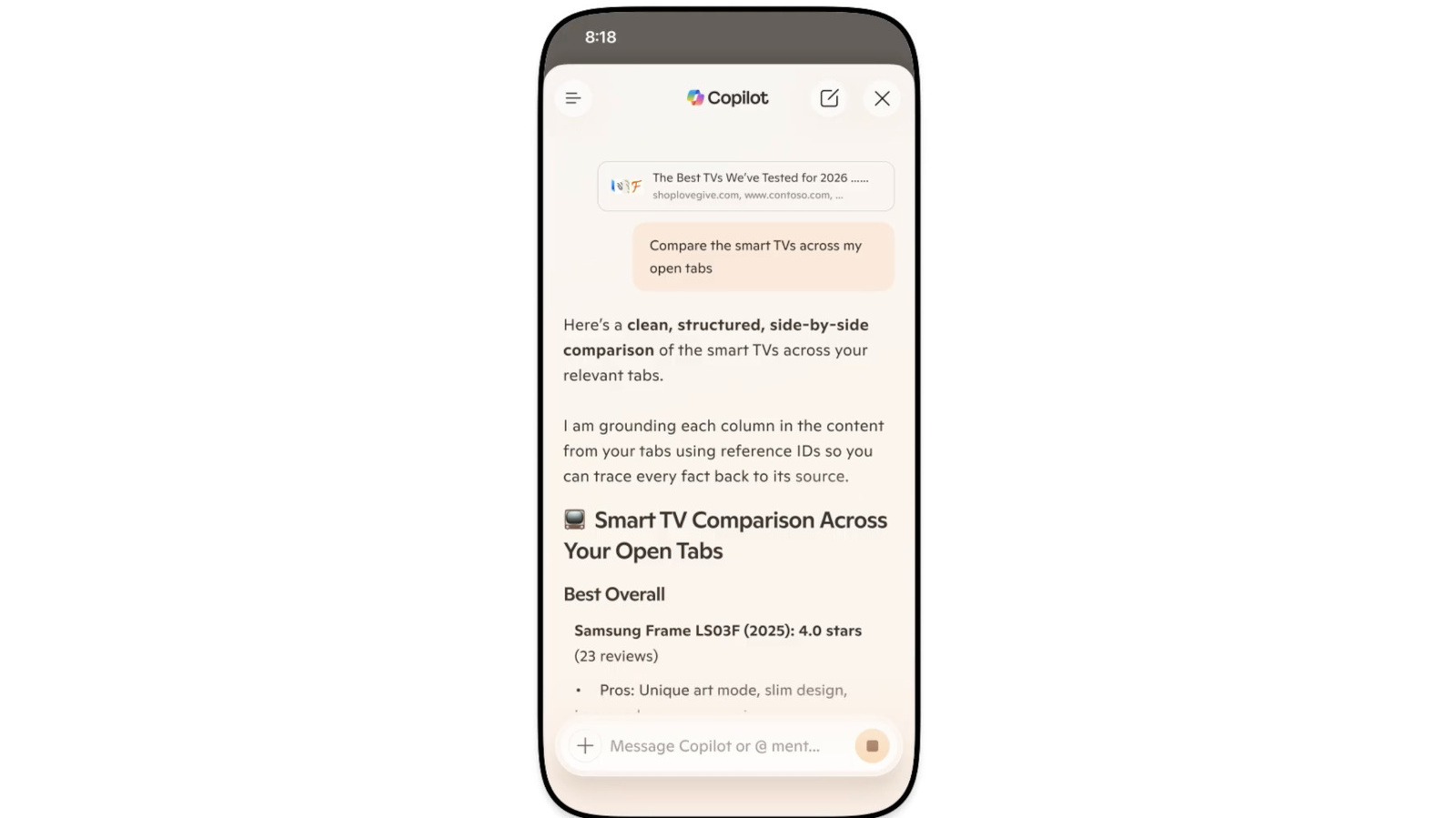
Microsoft Bakes Copilot AI Directly Into Edge Browser
Microsoft's making a big change to Edge: Copilot Mode is gone. Its AI smarts are now built right into the browser, aiming for a unified experience on all your devices.

Homo Erectus Proteins Reveal Denisovan DNA Link
Researchers find proteins in Homo erectus teeth hinting at Denisovan DNA connections, potentially reshaping our understanding of human ancestry.

Humble Bundle Drops $100 in Indie Games for a Tenner
Humble's latest bundle packs eight top indie games, including Celeste and The Witness, valued over $100, for just $10. Perfect for Steam Deck users.

LG Evo C5 OLED TVs Hit Amazon's Lowest Prices
Amazon just slashed prices on LG's acclaimed Evo C5 4K OLED TVs. Gamers and sports fanatics, take note: these deals won't last.