Neon Vision Editor: Lean Coding for Apple Users
Lightweight text editor offers macOS, iPhone, and iPad users a streamlined alternative to bulky IDEs.

Neon Vision Editor: A Lean Alternative to Bulky IDEs
Software development environments keep getting bigger. More features, more plugins, more overhead. That's where the Neon Vision Editor steps in. Developed by Hilthart Pedersen, this open-source tool is built specifically for Apple users. It's for anyone who needs a simple, efficient way to edit text, markdown, JSON files, or code snippets across macOS, iPhone, and iPad. Just the essentials, right?
A Tool for Focused Editing
Forget full-blown integrated development environments (IDEs) like Visual Studio Code or Xcode. Neon Vision Editor isn't trying to be them. It just wants you to open, read, modify, and save files. No project management. No complex plugin systems. No background services chewing up your resources. That makes it pretty ideal for folks who constantly jump into code fragments, log files, or big text documents but want to skip the traditional IDE's baggage.
The bestselling tech books, courses and dev tools right now.
Look, Neon Vision Editor won't replace your heavyweight IDE. But it sure can complement it with a minimalist approach.
Availability and Features
The app's out there. You can grab it on GitHub or the App Store. Easy access, right? The GitHub page, by the way, offers more details, including some handy keyboard shortcuts. Worth a look.
What's it got?
- A simple, intuitive interface.
- Efficient navigation, thanks to a file structure sidebar.
- It plays nice with macOS, iOS, and iPadOS.
Context: The European Tech Scene
Across Europe, where tech regulation often pushes for simpler, more transparent software, tools like Neon Vision Editor are gaining ground. Its open-source nature? That fits right in with the European Union's focus on privacy and transparency. A solid choice for developers who prioritize those values.
What This Means for You
Apple users, especially those working on the go with an iPhone or iPad, listen up. Neon Vision Editor offers a compelling alternative to those heavier IDEs. Fed up with slow startup times? Too many unnecessary features? This tool could seriously boost your productivity and simplify your workflow. Pretty good, huh?
What We Don't Know Yet
Neon Vision Editor delivers a streamlined experience. But what about long-term support? How fast will new features or updates roll out? We don't know yet. And its performance against other lightweight editors, like CotEditor, still needs a full evaluation. We'll have to see.
Why This Matters
Neon Vision Editor slashes IDE bloat. It gives Apple users a fast, efficient way to handle everyday coding tasks. Honestly, in a world of over-engineered software, its minimalist approach isn't just refreshing. For speed and simplicity, it's kinda necessary.
More from Software

Windows 11 to Roll Back Faulty Drivers via Cloud, Starting This Fall
Microsoft's new Cloud-Initiated Driver Recovery feature is set to automatically fix faulty drivers in Windows 11. Expect it to start rolling out this September.

Windows 11 Just Got a Speed Kick: Low Latency Profile Promises Snappier Apps
Think your Windows 11 PC feels sluggish? Microsoft's rolling out a new 'low latency profile' designed to make things like the Start menu feel much faster. It's all about quick CPU bursts.
Windows 10 Gets Big Security Patch: 120 Flaws Fixed
Microsoft's latest Windows 10 update, KB5087544, squashes 120 vulnerabilities, cleans up Remote Desktop warnings, and boosts Secure Boot.

Bartender Pro Turns MacBook Notch into Widget Hub
Bartender Pro's Top Shelf transforms the MacBook notch into a hub for widgets, file storage, and clipboard management with a $15/year subscription.
Don’t miss these

Can Gemini AI Spark Your Love Life? One User Says Yes
Tired of dinner and a movie? Rahul Naskar used Gemini AI to shake up his date nights. The results were pretty surprising.

GTA 6 Pre-Order Leak: Best Buy Affiliate Suggests May 18 Launch
Heads up, gamers: GTA 6 pre-orders could kick off May 18. Websites might crash. And Trailer 3? Maybe soon after.

Tech Giants Won. Your Data Center's Carbon Footprint Just Got Bigger.
Big Tech just scored a win, but environmentalists might call it a loss. Amazon, Meta, and others successfully lobbied against stricter CO2 rules for their gas-guzzling data centers, citing 'investment concerns.' What does that mean for your cloud services?

Anker Drops 140W 4-in-1 Charger for €70 on Amazon
Anker's 140W GaN charger just hit Amazon for €69.97. It charges four devices at once, complete with a smart display for real-time power monitoring.
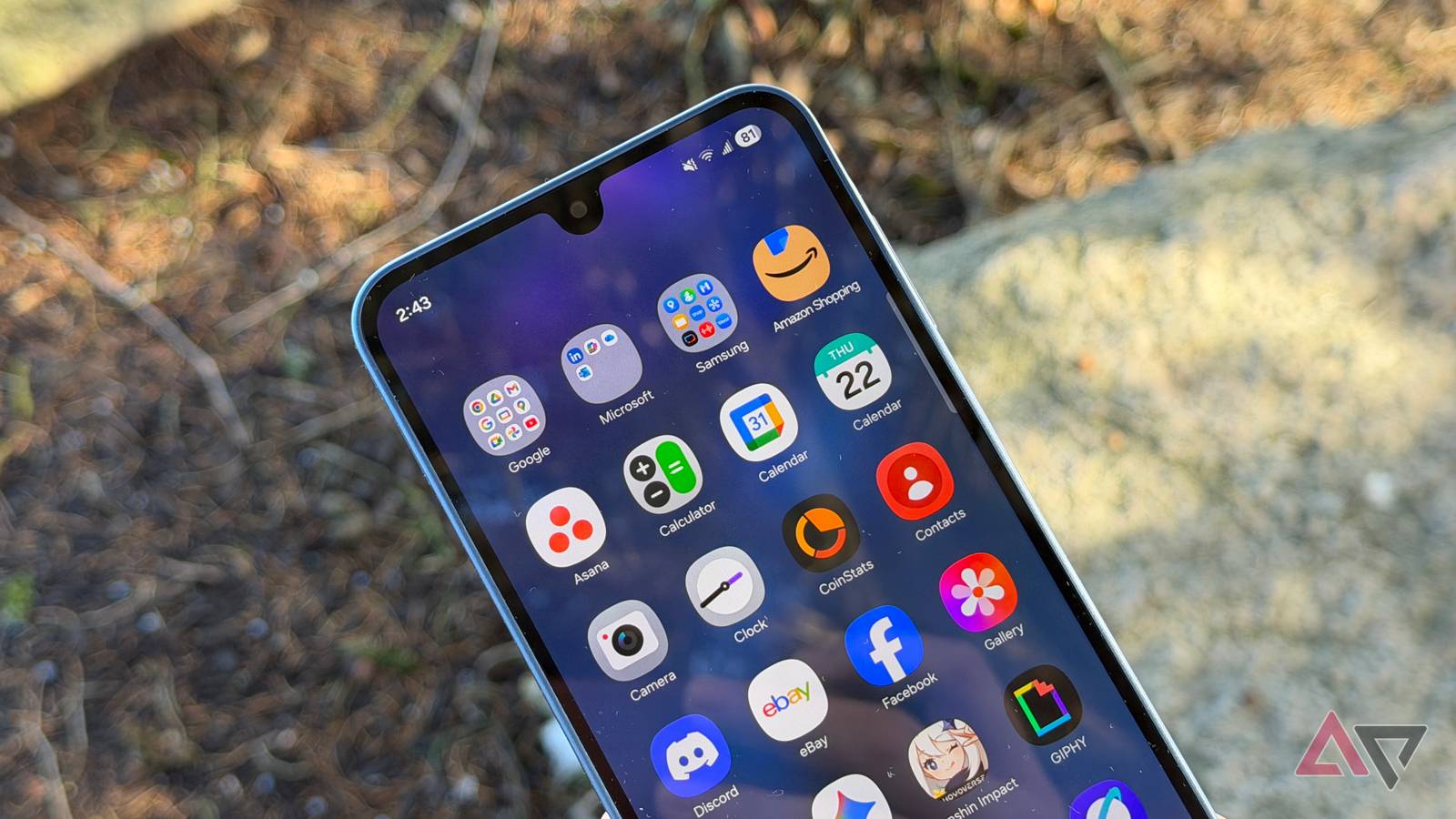
One UI 9 Beta Leaks: Samsung's New Plan to Kill App Distractions
Screenshots from Samsung's One UI 9 beta hint at a powerful new tool: the ability to cut off internet access for specific apps. Think focus, not endless scrolling.
Google's QR-Captcha Blocks Androids Without Play Services
A new QR-Captcha from Google could block Android users without Play Services, raising concerns over access and data privacy.